
 Support
 Login
Login

 English
 Svenska
 Norsk
Norsk Nederlands
How to monitor API using PLAYipp – see what’s new in PLAYipp
News
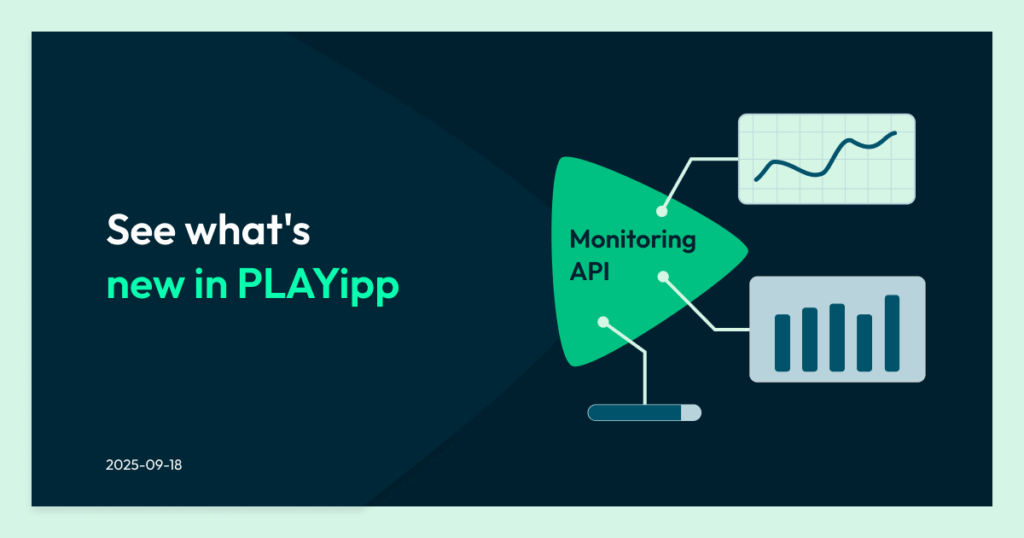
TL;DR summary
- The PLAYipp Monitoring API helps you monitor the status of digital signage players across your network.
- IT teams can track whether screens are online, retrieve device details, and detect issues quickly.
- By integrating monitoring data into your own systems, you can keep screens running reliably across multiple locations.
How PLAYipp Monitoring API Works
PLAYipp’s Monitoring API gives you the tools to monitor the status and activity of your digital signage players directly in your own systems. It is designed for IT, operations, and support teams that need clear and reliable insight into their screen infrastructure.
Instead of manually checking whether screens are working, the Monitoring API allows you to monitor devices automatically. Your internal dashboards or monitoring tools can retrieve data from the PLAYipp system and track the status of your players in real time.
“With the Monitoring API, we want to make it easier for our customers to stay on top of their screen infrastructure, whether it’s 1 screen or 500.”
Thomas Sundgren, CPO at PLAYipp
With the Monitoring API, you can:
- Check whether players are online or offline
- See how long it has been since a player last reported in
- Retrieve device details such as IP address and MAC address
- View device model, brand, operating system, and software version
- Integrate monitoring data into dashboards, NOC tools, or other systems

Whether you manage a few screens or hundreds of locations, the Monitoring API makes it easier to gain insight into your infrastructure and respond quickly when something goes wrong.
Why API monitoring matters for digital signage
Digital signage networks often include many devices spread across different locations. Screens may be installed in offices, stores, factories, or campuses.
When something stops working, it is important to detect the issue quickly.
This is where API monitoring becomes valuable.
By connecting to the PLAYipp Monitoring API, your systems can continuously check the status of your players. Instead of relying on manual checks, you can automatically see whether screens are online and when they last communicated with the platform.
Without this visibility, issues can go unnoticed. A screen may go offline or stop updating, and no one is aware until someone reports it.
Monitoring helps teams stay ahead of these issues and keep communication running smoothly.
What you can monitor with the PLAYipp Monitoring API
When working with the Monitoring API, it is important to focus on the data that is actually available.
The PLAYipp Monitoring API provides clear and practical information about each player, including:
- Online or offline status
- Time since last contact (latestContactSeconds)
- IP address
- MAC address
- Device model and brand
- Operating system
- Software version
These data points give teams a reliable overview of their digital signage network.
For example:
- If a player has not reported in for a long time, it may indicate a connectivity issue
- If multiple devices are offline, it may point to a network problem
- If devices are running outdated software, updates may be required
This information helps IT and support teams troubleshoot issues more efficiently.
How API monitoring works in practice
API monitoring works by retrieving data from the Monitoring API at regular intervals.

Your system sends requests to the API and receives a response containing the latest information about your players.
In practice, this often includes:
- Checking whether players are online
- Reviewing when each player last reported in
- Collecting device details for troubleshooting
- Storing historical data to track changes over time
This data can then be displayed in dashboards or used to trigger alerts when something changes.
For example, if a player has not reported in within an expected timeframe, your system can flag it for investigation.
This makes it easier to identify and resolve issues before they impact communication.
Integrating the PLAYipp Monitoring API with your systems
The Monitoring API is designed to fit into your existing workflows.
Organizations often integrate the API with:
- Internal dashboards
- Network operations tools
- Custom-built monitoring solutions

By combining digital signage monitoring with other systems, teams can manage their infrastructure from a single place.
This reduces the need to switch between tools and provides a clearer overview of system health.For organizations with multiple locations or large screen networks, this type of integration saves time and improves efficiency.
Who is the Monitoring API for?
The Monitoring API is designed for organizations that need better visibility into their digital signage systems.

IT teams
IT teams managing screens across multiple locations can use the API to track player status and identify issues quickly.
Service providers
Organizations delivering digital signage services can monitor multiple customer environments and ensure screens are running as expected.
Developers
Developers can use the API to build dashboards, reporting tools, or integrations that fit their internal systems.
Security and operations teams
Teams responsible for system monitoring can include digital signage as part of their overall infrastructure overview.
Building a practical monitoring setup
A simple and effective monitoring setup does not need to be complicated.
Start by deciding what you want to track, such as:
- Whether players are online or offline
- How recently each player has reported in
- Device details for troubleshooting
Next, connect the Monitoring API to your system and retrieve this data regularly.
From there, you can:
- Display the data in a dashboard
- Set up alerts when players stop reporting in
- Track changes over time
This approach gives you a clear overview of your digital signage network and helps you respond quickly when something changes.
Integrating the PLAYipp Monitoring API with monitoring tools
The Monitoring API can be integrated with many existing monitoring tools.
Organizations often connect the API to:
- IT dashboards
- Network operations center monitoring tools
- Security monitoring systems
- Custom monitoring solutions
These integrations allow teams to combine digital signage monitoring with other infrastructure monitoring.
Instead of managing multiple monitoring systems, teams can track everything from a single dashboard.
This approach helps IT teams maintain visibility across the entire system and respond faster to issues.
How to get started with the PLAYipp Monitoring API
Getting started with the Monitoring API involves a few simple steps.
First, Public API access needs to be enabled for your account. This is disabled by default, so you will need to contact PLAYipp support to activate it.
Once access is enabled:
- Go to your Personal Settings
- Retrieve your API key
- Use the API key to connect your systems to the Monitoring API
From there, your developers can begin retrieving monitoring data and integrating it into your dashboards or tools.If you’d like to understand more about how PLAYipp can work for your business, simply book a demo with us today.
Common questions about monitoring API
What can you monitor with the PLAYipp Monitoring API?
- You can monitor:
Online or offline status
Time since last contact
IP address and MAC address
Device model and brand
Operating system and software versionThis helps teams understand whether screens are functioning correctly.
What does API monitoring mean?
API monitoring is the process of retrieving and tracking data from an application programming interface to understand system status and behavior. In the case of PLAYipp, it means monitoring the status and details of digital signage players.
How do you get access to the Monitoring API?
Public API access must first be enabled by contacting PLAYipp support. Once enabled, you can find your API key in your Personal Settings and use it to connect your systems.
Who should use the Monitoring API?
The Monitoring API is useful for IT teams, service providers, developers, and operations teams that need visibility into their digital signage network.
How does the Monitoring API help digital signage teams?
It allows teams to monitor screen status automatically, detect issues faster, and integrate monitoring data into their existing systems, making it easier to manage screens across multiple locations.

Thomas Sundgren
Chief Product Officer at PLAYipp
Do you have any suggestions for improvement?
We’re happy to listen, don’t hesitate to reach out!
See how others use PLAYipp

Securitas Norway achieves higher employee engagement with digital screens
Securitas Norway sought a dynamic, user-friendly communication solution capable of easily sharing information with all employees, regardless of their location.

Clear screen structure resolves Malmö university’s complex needs for information sharing
Malmö university has successfully deployed over 50 digital screens across its campuses. This technological solution has not only enhanced student communication but also streamlined the university’s internal information flow. The strategic and instructional screen setup has simplified content publication for…

The communicative transformation of Kulturkvarteret
Since the installation of the screens, Kulturkvarteret has observed a notable improvement in communicating information to visitors. “Our digital screens have transformed how we engage with our visitors”.
 Login
Login