
 Support
 Login
Login

 English
 Svenska
 Norsk
Norsk Nederlands
OneDrive integration for PLAYipp

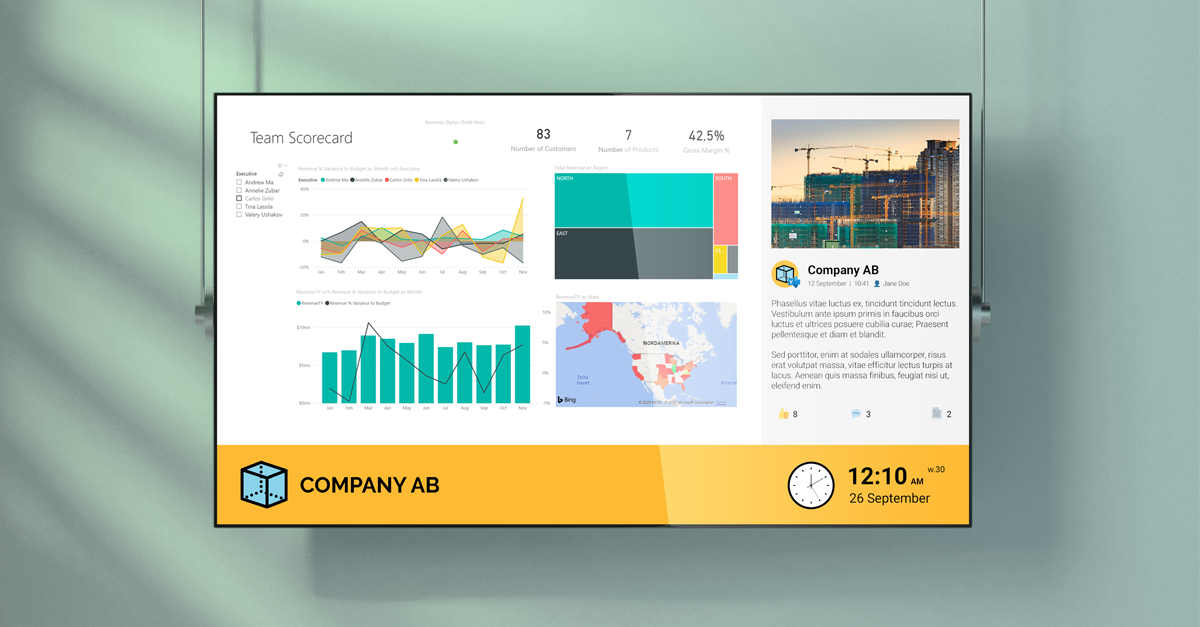
With our OneDrive integration to PLAYipp, you can easily display Microsoft files like Word, Excel, and PowerPoint on your digital screens. Files appear as images on your screens, making it simple to share presentations, reports, and other information with your employees or customers.
Curious to know more? Book a demo, and we will tell you everything you need to know, and a little more.
Benefits of combining PLAYipp and OneDrive


Automatic information sharing that saves time
Say goodbye to manual screen updates. With the OneDrive integration, your screens update automatically whenever you make changes to your Microsoft files. This means your sales team always sees the latest price lists, employees get up-to-date metrics from recent reports, and customers see current product information.
You control which screens display which content, ensuring the right information reaches the right audience at the right time. The result? More relevant communication, less administrative work, and an organization where everyone has access to the information they need.

How it works
When you connect your OneDrive account to PLAYipp, your files are automatically converted into images that display on your screens. Update a file in OneDrive? The screen updates within 20 minutes, completely automatically. Best of all, files only need to be in your OneDrive account and no public sharing or additional configuration required. Connect once, and everything runs automatically from there.
Secure access to your files
With our OneDrive integration, you no longer need to use insecure, public web links. Everything is protected through an authenticated, encrypted connection via OAuth 2.0, ensuring a secure, unique connection through Microsoft OneDrive.

What is OneDrive
OneDrive is Microsoft’s cloud storage service where businesses store and share their work files. It’s often where the documents, presentations, and reports your organization works with daily already live. With PLAYipp’s OneDrive integration, you can display these files directly on your digital screens, no uploading or duplicating content necessary.


Frequently asked questions about OneDrive and digital signage
How does the integration between OneDrive and PLAYipp work?
When you connect your OneDrive account to PLAYipp, your files are automatically converted into images that display on your screens.
Is it difficult to connect OneDrive to PLAYipp?
No, the installation process is straightforward. Simply connect your OneDrive to PLAYipp’s platform and choose the screens to display the content. Read here how to get started.
What type of files can be displayed with OneDrive
You can display Microsoft Office formats: Word, Excel, PowerPoint, PDF and images (tif, tiff), web formats, rich text, email, design files etc.
Can I customize the content for different departments?
Yes, you control which screens display which content, ensuring the right information reaches the right audience at the right time.
Can PLAYipp grow with my business?
Yes, the platform is scalable and works for both midsize businesses and large organizations.
Do you want to know more about PLAYipp?
Contact us today, we are experts on digital signage and communication.
 Login
Login