
 Support
 Login
Login

 English
 Svenska
 Norsk
Norsk Nederlands
Display insights from Winningtemp directly on your digital screens

With the Winningtemp widget, you can show key employee insights and temperature readings directly on your screens. Whether it’s eNPS, team sentiment or feedback from the latest pulse survey – it all appears where it makes the biggest impact. Automatically and without extra work.
- Team sentiment in the break room
- Leadership insights by the HR department
- Engagement and well-being data in the hallway
Curious to know more? Book a demo, and we’ll tell you everything you need to know—and more.
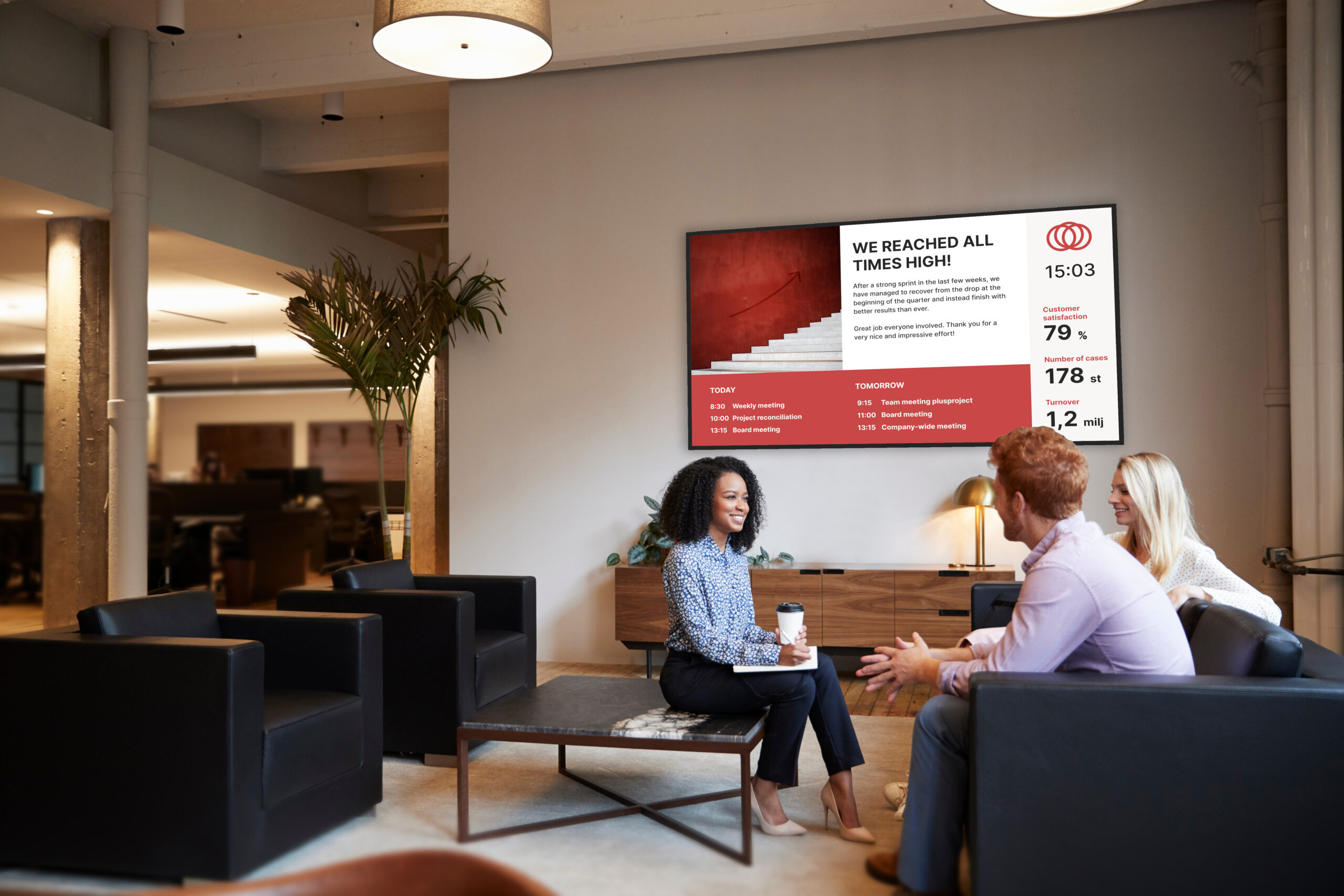
Keep track of employee sentiment – from Winningtemp to the screen
Already using Winningtemp to monitor employee engagement and well-being? Great. With our widget setup, you can display selected dashboards directly on your digital signage. You choose what data to show – the rest happens automatically.
The data becomes more visible without requiring anyone to log in. It appears where people work, pause or gather. Always up to date. Always visible.


What is Winningtemp?
Winningtemp is a platform that tracks employee well-being and engagement in real time. Through pulse surveys, eNPS and AI-based analysis, it provides a clear view of how your team is feeling – and why.
With Winningtemp on screen, you can highlight:
- Pulse results and engagement levels
- eNPS and other key metrics
- Feedback trends by team or department
- Action suggestions from the AI assistant
Benefits of displaying Winningtemp data with PLAYipp

The screen content updates automatically when new data is available from Winningtemp.

Copy a link from Winningtemp and paste it into PLAYipp. Done in minutes.

Show different dashboards on different screens – for example, HR data in one area and team insights in another.
Common ways to use Winningtemp with digital screens
By showing Winningtemp data on your screens, more people stay informed. Here are a few smart examples:
Sentiment and well-being in the break room
Give everyone a quick pulse check – no logins needed.
Leadership metrics in hallways
Show strategic KPIs and engagement goals where decisions are made.
eNPS and trends at HR
Help HR track changes in real time and take action quickly.
Team stats near the workstations
Provide insights for team leads right where they need them.


Frequently asked questions about Winningtemp and digital signage
What do I need to get started?
You’ll need two things:
- A Winningtemp account with widget functionality enabled
- A PLAYipp account with access to publish web pages
Read more here.
How do I get the widget link?
Log in to Winningtemp and go to Settings > Apps > Widgets.
Activate the feature, choose what to display, and copy the generated link.
How do I publish the widget in PLAYipp?
Paste the link into a “Web page” object in your layout. Give it a name, set the display time and schedule it like usual. Done!
Read more here.
Does the content update automatically?
Yes, as long as the link is active, the data updates automatically from Winningtemp. No manual updates needed.
What can I show from Winningtemp?
You choose the type of content – like team temperature, eNPS, feedback trends, or AI-generated dashboards.
What happens if Winningtemp changes something?
Since this is a third-party widget, we can’t guarantee it will always work if Winningtemp makes major changes. Contact us if you run into any issues.
 Login
Login