
 Support
 Login
Login

 English
 Svenska
 Norsk
Norsk Nederlands
VisBook integration for digital signage

With our integration to VisBook you can easily display current bookings, spa schedules and other important information directly on your digital screens. Everything is fetched automatically from your VisBook system. You avoid double work and complicated processes. You decide what to show, where and when. No coding required.
- Spa schedules in the lounge
- Room bookings in the lobby
- Conference agenda in the corridors
- Internal information for staff
Curious to know more? Book a demo, and we’ll tell you everything you need to know—and more.
Make information visible where it matters
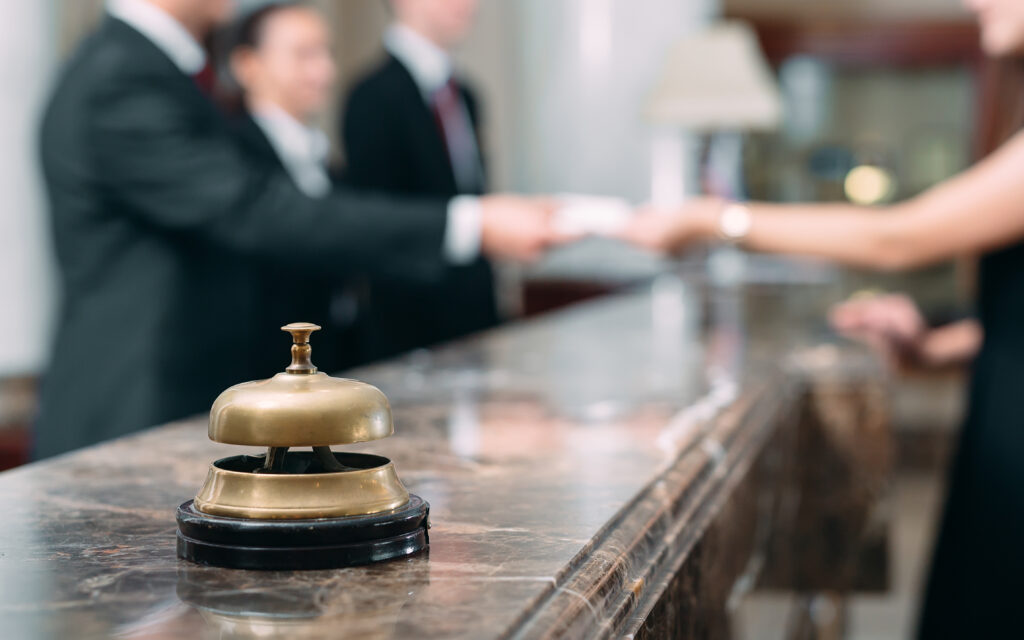
Important messages often get stuck in booking systems, apps or staff email. When you move content from VisBook to your digital screens it becomes visible for both guests and staff. Right where they are.
Display today’s bookings in the lobby, remind about treatment times at the spa or keep staff updated in the kitchen. Guests will know what’s going on and your team gets fewer questions.


What is VisBook?
VisBook is a complete PMS system for hotels, spas and conference venues. It handles everything from bookings and check-ins to housekeeping, finance and reporting. All in one system.
The integration with PLAYipp helps you get even more value from the information already in VisBook. Your screens become a powerful tool for clear and relevant communication, both for guests and internally.
Benefits of showing VisBook content on screens

Guests get answers directly on screen instead of asking the reception.

If a booking or spa session changes in VisBook, the screen updates automatically.

Information is shown where it is most helpful. The right message reaches the right person at the right time.
Common ways to use VisBook and digital signage screens
The VisBook integration makes PLAYipp a natural complement to your booking system. Here are some popular use cases:
Show today’s bookings in the lobby
Guests can see room numbers, check-in times and booking status as soon as they arrive.
Spa or treatment reminders
Clear times and instructions help guests feel confident and welcome.
Conference and meeting schedule
Let guests know where meetings are happening and when they start, right outside the room.
Staff area screens
Share internal updates, daily schedules or changes in booking status so everyone stays informed.


Frequently asked questions about VisBook and digital info screens
How do I display VisBook information on a screen?
Connect your VisBook account to PLAYipp, choose the content you want to show and add it to your layout. Everything updates automatically.
Can I show different content on different screens?
Yes. You can customize what’s shown based on location and audience. For example, spa times in the lounge and internal updates in the staff room.
Does the content update automatically?
Yes. When something changes in VisBook, it appears on the screen instantly without any manual work.
Do I need technical skills or know how to code?
No. It’s easy to get started. Just log in, choose your content and start displaying it right away.
 Login
Login